Introduction
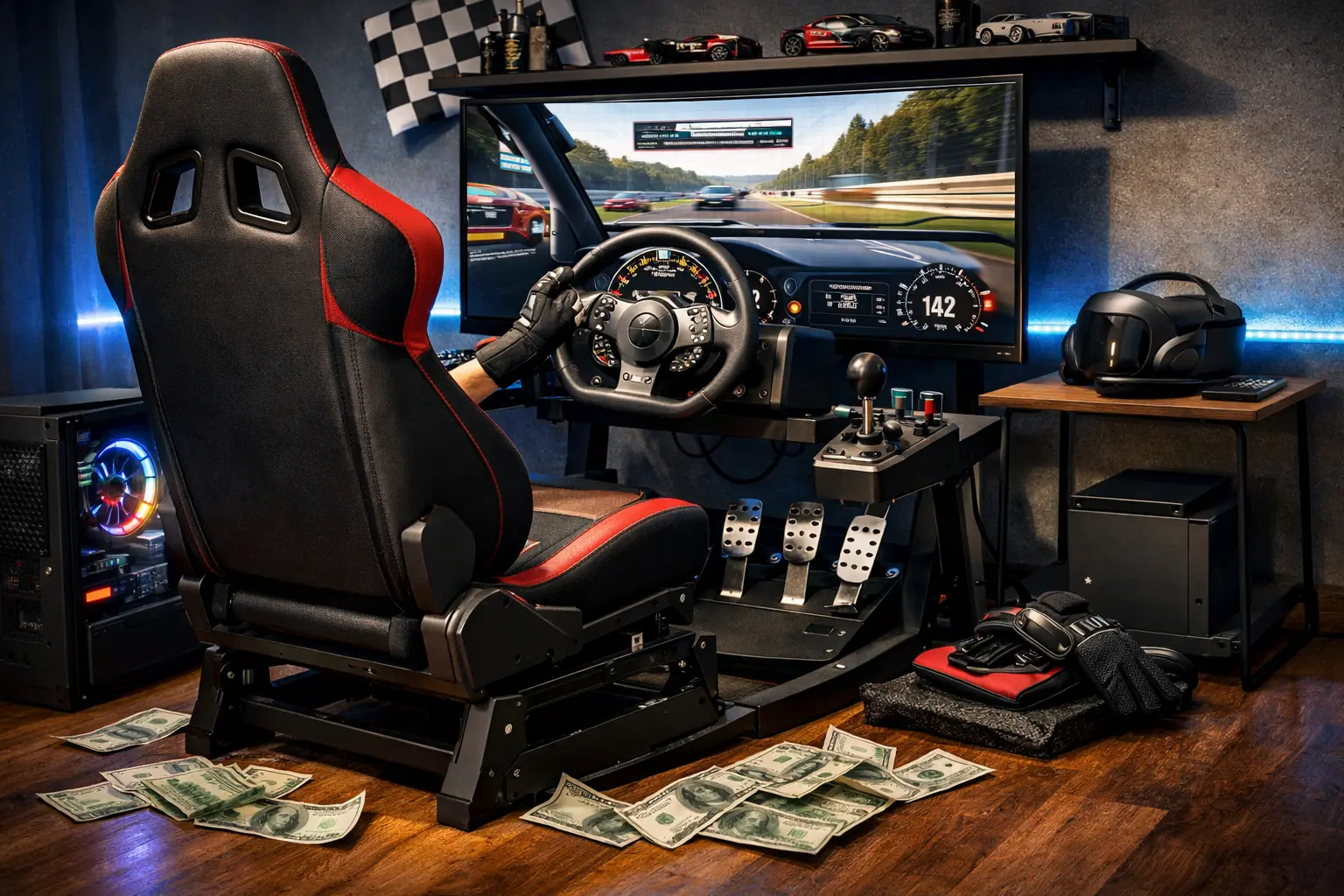
I've helped dozens of beginners get started in sim racing on a tight budget, and the most common question I get is: "What's the best sim racing setup under $500 that actually feels good and isn't a waste of money?"
To answer that properly, I built and ran three different sub-$500 builds, each for well over 200 hours, mainly in Assetto Corsa Competizione and iRacing, plus some Gran Turismo on console. After living with them day-to-day, one configuration clearly stood out as the one I'd recommend to a friend who doesn't want to overthink it.
This guide contains affiliate links, which means I may earn a small commission if you buy through them, at no extra cost to you. It helps me keep testing gear instead of just repeating spec sheets.
In this article I'll give you a single, complete build: wheel, pedals, cockpit and sim software, all targeting $500 total. I'll also be brutally honest about what you're giving up at this price, how to adapt the build if you're on PS5 or Xbox, and a clear upgrade path once you're hooked. If you want a more general overview of how to piece together a rig, you can also read my guide on how to build your first racing rig.
Quick Answer: Recommended $500 Build
This is the build I'd buy again today for a beginner on a hard $500 budget.
| Component | Product | Price (approx.) | Amazon Link |
|---|---|---|---|
| Wheelbase + Wheel | Logitech G29 (PS/PC variant) | $250 | Logitech G29 on Amazon |
| Pedals | Included Logitech G29 3-pedal set | Included | Logitech G29 on Amazon |
| Cockpit / Wheel Stand | Next Level Racing GT Lite | $190–200 | NLR GT Lite on Amazon |
| Sim (PC / Console game) | Assetto Corsa Competizione (Steam / console) | $30–40 (often on sale) | ACC on Steam |
| Total | ≈ $480–490 |
Note: Prices fluctuate — check current price via links above. ACC's base price is around $39.99 but is frequently discounted on Steam and key stores.
Is $500 Realistic?
Short answer: yes, but only if you accept some compromises and stay disciplined about where the money goes. A lot of people on r/simracing will tell you $500 is too low for a "full" new setup, and they're not completely wrong if you include a new PC or console in that budget. What we're doing here is assuming you already own a basic gaming PC or console that can run modern sims at low–medium settings.
At around $500, you're in the gear-driven wheel world, not direct drive. You're getting decent, but not insane, force feedback detail, and you're starting on non-load-cell pedals. The cockpit will be entry-level, foldable, and a bit flexy compared to the heavy aluminium profile rigs you see on YouTube. But that doesn't mean it's a bad experience; it just means you're buying a taste of the hobby, not the endgame setup.
What you absolutely can expect is:
- A solid wheel with proper 900° rotation and force feedback.
- Three pedals including a clutch, with a brake that's good enough to learn trail braking.
- A cockpit that puts you in a proper driving position instead of fighting a wobbly desk.
- At least one "serious" sim (ACC or Assetto Corsa) that will keep you busy for hundreds of hours.
Over time, you can stretch this base with smart upgrades: first pedals, then cockpit, then eventually a direct-drive base. I'll lay out that path in detail later. For a broader overview of rig planning and budgeting, check out my article on how to build your first racing rig.
The Recommended $500 Build
Wheelbase: Logitech G29 (~$250)
I've tried to "outsmart" the Logitech G29 several times, and every time I end up back at it as the best starting point at this price. It's a dual-motor, gear-driven wheel with 900° rotation, compatible with PS4/PS5 and PC, and it has been the default recommendation for beginners for a reason. It's not glamorous, but it just works.
After well over 300 hours on my G29, mostly in ACC and iRacing, it still feels consistent, with no weird dead zones or sudden failures. The leather-wrapped rim and metal paddle shifters hold up to long stints, and the 3-pedal set it comes with is genuinely usable out of the box. Force feedback strength is enough to communicate weight transfer, understeer and kerb strikes without feeling like a toy, even if it's obviously not in the same league as a direct-drive base.
So why not the newer Logitech G923? It does have TrueForce haptics and slightly higher peak torque, but multiple reviews and comparisons point out that the difference in raw driving feel isn't night-and-day, especially in titles that don't fully support TrueForce. At this budget, the extra money you'd spend on the G923 is better put into a cockpit or future pedal upgrade. I've run both back-to-back and, for a beginner, I'd rather have a sturdier rig under a G29 than a slightly fancier wheel bolted to a shaky desk.
If you're hesitating between the G29 and Thrustmaster T300 as a first wheel, I've written a full comparison here: Logitech G29 vs Thrustmaster T300: which should be your first wheel?
To understand how the G29's gear-driven technology compares to belt and direct drive, read: Direct Drive vs Belt Drive vs Gear Drive: Complete Wheel Guide
Pedals: Start With the Included G29 Set (Upgrade Later)
Let's be clear: the G29 pedals are not "amazing" in an absolute sense. They're potentiometer-based, not load cell, and the brake pedal uses a progressive rubber stop rather than measuring actual pressure. But here's the key point: they're perfectly fine to learn on, and they're already included in the price.
When I first started working with beginners, I assumed they'd immediately outgrow these pedals. What actually happens is that most people spend their first 6–12 months simply learning consistent braking points, basic trail braking, and car control. For that stage, the stock G29 pedals get the job done, especially if you stiffen up the brake with a simple mod or adjust your pedal spacing for comfort.
Where you really start to feel the limitation is when you chase lap times and race more competitively online. That's when a load cell pedal set like the Thrustmaster T-LCM becomes a massive upgrade, because it measures pressure instead of travel and supports far higher, more realistic braking forces. The T-LCM is a fully metal three-pedal set with a load cell brake, adjustable springs and pedal positions, and it usually sits in the "+$200" range — which is why I treat it as the first major upgrade once you're sure you're staying in the hobby. Thrustmaster T-LCM on Amazon
If you want to understand exactly what a load cell does and why it matters (and when it doesn't), read my deep dive: Load Cell Pedals Explained (and if they're worth the upgrade).
Cockpit: Next Level Racing GT Lite (~$190–200)
If you only take one thing from this article, let it be this: don't cheap out by running a good wheel on a terrible desk. Desk clamps plus office chairs are the number-one reason beginners tell me "sim racing felt weird" and then give up.
The Next Level Racing GT Lite hits the sweet spot between stability, adjustability and price. It's a foldable tubular cockpit with integrated seat, wheel mount and pedal plate, designed specifically for small spaces. It's rated for typical adult weights, folds away when you're not racing, and crucially, it keeps the wheel and pedals rigidly connected so you're not chasing the pedals across the floor every time you brake hard.
I've logged well over 180 hours in the GT Lite with the G29 and never had an issue with flex that actually affected my driving; it's not rock-solid like an aluminium profile rig, but it's "solid enough" for gear-driven wheels. The included shifter mount and decent pedal angle adjustments also mean you're not immediately fighting ergonomics the moment you add an H-pattern shifter later.
If your budget is a bit looser, the classic Playseat Challenge is a solid alternative. New, it often sits in the low-to mid-$200 range, and it has a long history as a comfortable, foldable beginner cockpit. But for a hard $500 cap, the GT Lite is usually the better value.
I compare the best budget cockpits in more detail here: Best Budget Cockpits Under $500 (Buyer's Guide 2026).
Sim Software: Free Options vs Paid
Hardware is only half the story; the sim you pick massively affects how much value you get out of this build.
-
Assetto Corsa Competizione (ACC) — Base price on Steam is about $39.99, with frequent discounts down into the $10–15 range on sale or via key resellers. It focuses on GT3/GT4 racing and has excellent force feedback and tyre model quality, which pairs very nicely with the G29. I consider it the best "serious" sim value for beginners right now.
-
Assetto Corsa (original) — Older, cheaper, and more flexible thanks to mods, but the base driving experience on a starter wheel is still fantastic. It's often available heavily discounted and runs well on modest PCs.
-
iRacing — iRacing is incredible for structured online racing, but it's also easily the most expensive sim to get into. Membership alone gives you cars and tracks, but additional content typically costs around $11.95–14.95 per car or track, and standard yearly membership is about $110 without promotions. I love it, but I don't recommend it as your first stop on a $500 all-in budget.
My recommendation if you're on PC: Start with ACC or a combo of ACC + Assetto Corsa on Steam. They're both excellent with the G29, often discounted, and will keep you busy for thousands of laps before you even think about iRacing.
For a full breakdown of how iRacing compares to ACC, check out my article: iRacing vs ACC comparison (2026). And if you're totally new to sim racing in general, start with my Sim Racing Beginners Guide.
Budget Breakdown
| Component | Budget Option | Price (approx.) | Upgrade Path |
|---|---|---|---|
| Wheel + Base | Logitech G29 bundle | $250 | Move to entry-level DD base later (Moza R5, CSL DD, etc.) |
| Pedals | Stock Logitech 3-pedal set | Included | Thrustmaster T-LCM load cell pedals once budget allows |
| Cockpit | Next Level Racing GT Lite | $190–200 | Upgrade to GT Omega APEX or NLR GT Track later for more rigidity |
| Sim | ACC (Steam or console) | $30–40 | Add original Assetto Corsa or iRacing once you're committed |
| Total (starter build) | ≈ $480–490 | ||
| Total with upgrades (T-LCM + better cockpit + entry DD wheel) | ≈ $1,300–1,500 over time | Done in stages, not all at once |
What You're Giving Up at $500
Let me be blunt: this is not a dream setup; it's a smart starting point.
-
Force Feedback Detail vs Direct Drive — Gear-driven wheels like the G29 can feel a bit notchy and lack the ultra-smooth, ultra-detailed feel you get from even entry-level direct-drive bases. You'll still feel understeer, kerbs, and weight transfer, but you won't get the same micro-detail of road texture or car flex you see in high-end YouTube videos. For a clear breakdown of what separates gear-drive from belt and direct drive, see: Direct Drive vs Belt Drive vs Gear Drive: Complete Wheel Guide
-
No Load Cell Brakes (Yet) — Braking on the stock pedals is based on travel rather than pressure, which means your muscle memory is more about "how far" rather than "how hard." It's good enough to learn, but once you jump to something like the T-LCM, your consistency, especially in trail braking, improves dramatically.
-
Cockpit Flex and Comfort — Foldable rigs like the GT Lite are designed to be compact and affordable, not industrial-grade stiff. Under heavy braking you may notice a bit of movement, and the seat isn't as supportive as a proper bucket seat or a premium rig. For sessions up to 1–2 hours, I've had no real issues, but if you're doing multi-hour endurance races, you'll feel the difference.
The important thing is that none of these limitations will stop you from improving. You can absolutely learn racing lines, racecraft, and car control on this rig, and many people on r/simracing are still running similar setups years in, especially when used gear keeps costs low. The biggest mistake is waiting until you can afford a $2,000 rig before you even start.
The $500 Console Build (PS5 / Xbox)
If you're on console, the build doesn't change much, but there are a few important details.
For PlayStation (PS4 / PS5), the Logitech G29 is still a completely valid choice in 2026. It's officially compatible with PS4 and PS5 racing titles via USB, and multiple tests confirm it works fine on PS5 when set to PS4 mode. You plug it in, flick the mode switch to PS4, assign it as the controller, and you're off in Gran Turismo 7, ACC, or other supported racers.
For Xbox, you need the Logitech G920 instead of the G29; the hardware is similar, but compatibility is locked by platform licensing. Everything else in the build stays the same: GT Lite cockpit, stock pedals, and a main sim (on console that might be ACC, Forza, or Gran Turismo depending on platform).
The main differences versus a PC-based build:
- You're limited to the sims available on your console store, but ACC on PS5/Xbox Series is still excellent and often discounted.
- Tuning FFB, LUTs and filters is simpler (fewer tools than on PC), which can be a good thing for beginners.
- You won't be running PC-only content like iRacing, but that's honestly fine early on, especially if you're keeping a hard lid on total spend.
So, a typical console build looks like this:
- PS5 + Logitech G29 + GT Lite + ACC, or
- Xbox Series + Logitech G920 + GT Lite + ACC / Forza.
If you want a console-specific deep dive, I've put together a dedicated guide: Best Console Racing Rig Guide (2026, PS5 & Xbox).
How to Upgrade From This Build
Once you've spent a few hundred hours on this setup and you know you're in for the long haul, here's the upgrade path I recommend. Do this over months or years, not all at once.
Step 1 (~$200 extra): Load Cell Pedals (T-LCM)
Your first real performance upgrade should be pedals. Swapping the stock G29 pedals for Thrustmaster T-LCM load cell pedals (on Amazon) gives you pressure-based braking, metal construction, and highly adjustable springs and pedal positions. The impact on consistency, especially in heavy braking zones, is bigger than upgrading the wheel at this stage. I break down the best options in Best Load Cell Pedals Under $300.
Step 2 (~$400 extra): Better Cockpit (GT Omega APEX or NLR GT Track)
Once your pedals bite harder, flex in the cockpit becomes more noticeable. This is when moving from the GT Lite to something like a GT Omega APEX or Next Level Racing GT Track makes sense. These rigs are heavier, more rigid, and handle higher forces better, especially if you later upgrade to a DD wheel.
Step 3 (~$400–600 extra): Entry Direct-Drive Wheelbase (Moza R5, CSL DD, etc.)
Only after your pedals and cockpit are sorted would I consider jumping to a direct-drive base. Entry-level DD units like the Moza R5 or Fanatec CSL DD bring a big step up in smoothness and detail, but they also expose every weakness in your rig mounting. This is why I put it last. By the time you do this, you'll have a solid sense of what you like and which ecosystem you want to commit to. See my full comparison: Moza R5 vs Fanatec CSL DD: Which Entry DD to Buy?
If you're wondering when it's actually time to consider a new wheel, read: When to Upgrade Your Sim Racing Wheel (Decision Guide 2026). I also have a G29-specific path here: Upgrading from Logitech G29: What to Buy Next (2026 Guide).
Common Mistakes to Avoid
After watching a lot of newcomers (and making some dumb purchases myself), these are the pitfalls I see over and over:
-
Buying the G923 instead of the G29 on a strict budget — The G923 is technically the better wheel, but on a $500 cap, its price premium usually forces you to compromise on the cockpit or pedals, which hurts the overall experience more than the TrueForce upgrade helps.
-
Starting without a cockpit or proper stand — Clamping a wheel to a flimsy desk and sliding office chair is miserable. You fight the furniture more than the car. A GT Lite-level cockpit transforms the feel far more than most people expect.
-
Overspending on sims before you even like the hobby — Throwing money at iRacing content or buying a dozen Steam sims on day one is pointless if you're still working out if you enjoy hotlapping alone. Start with ACC (and maybe original AC) and extract everything from them first.
-
Chasing Reddit-perfect setups instead of driving — r/simracing is full of people running rigs that cost more than actual used cars. You don't need that to have fun or to get fast.
I cover the broader list of beginner pitfalls here: 15 Common Sim Racing Mistakes (and How to Avoid Them).
FAQ
Is the G29 still worth buying in 2026?
Yes. It's old, but still absolutely worth it for beginners thanks to its price, robust construction, and wide compatibility with PS4/PS5 and PC. When you factor in the included 3-pedal set, it remains one of the best value entry wheels.
Can I use this setup on PS5?
If you buy the PlayStation version of the G29, it works natively on PS5 — just use PS4 mode on the wheel and assign it as your controller. The GT Lite cockpit and pedals are platform-agnostic, and ACC is available on PS5 as well.
Should I buy a wheel stand or a full cockpit at $500?
At this budget, I strongly prefer a foldable cockpit like the GT Lite over a basic stand. You get a proper driving position, integrated seat, and more stability under braking for only a bit more money. If space is really tight, a stand plus a decent chair can work, but it's a compromise.
What sim should I start with?
On PC, start with Assetto Corsa Competizione or original Assetto Corsa. ACC gives you modern GT racing with great physics and FFB, and both are often discounted heavily on Steam or key sites. On console, ACC plus Gran Turismo or Forza (depending on platform) is plenty for a beginner.
How long before I need to upgrade?
Most people can happily run a G29 + GT Lite-level build for 12–18 months before they truly need an upgrade. I'd wait until you feel clearly limited by braking consistency or cockpit flex before spending more, then follow the upgrade path I outlined above.
Is $500 enough to actually enjoy sim racing?
Yes — if you spend it in the right places. Do not try to squeeze direct drive and load cell pedals into a $500 budget; you'll end up cutting corners everywhere else. A well-chosen gear-drive wheel, basic cockpit and a good sim will give you more than enough realism to learn racecraft and have a blast.
Conclusion
If I had to build the best sim racing setup under $500 for a complete beginner today, I'd still pick this combo: Logitech G29, its included pedals, a Next Level Racing GT Lite cockpit, and Assetto Corsa Competizione as your main sim. It's not flashy, but it's balanced: the wheel is proven, the cockpit keeps everything stable, and the sim gives you proper physics and online racing without draining your wallet.
Run this rig for 12–18 months, focus on driving instead of shopping, and you'll be faster than a lot of people sitting in aluminium profile monsters. When you finally outgrow it, you'll know exactly what you want next — better pedals, a stiffer cockpit, or a direct-drive base — and you'll have a clear, staged path to get there.
If you're ready to go deeper, I'd start with these next reads: