Introduction
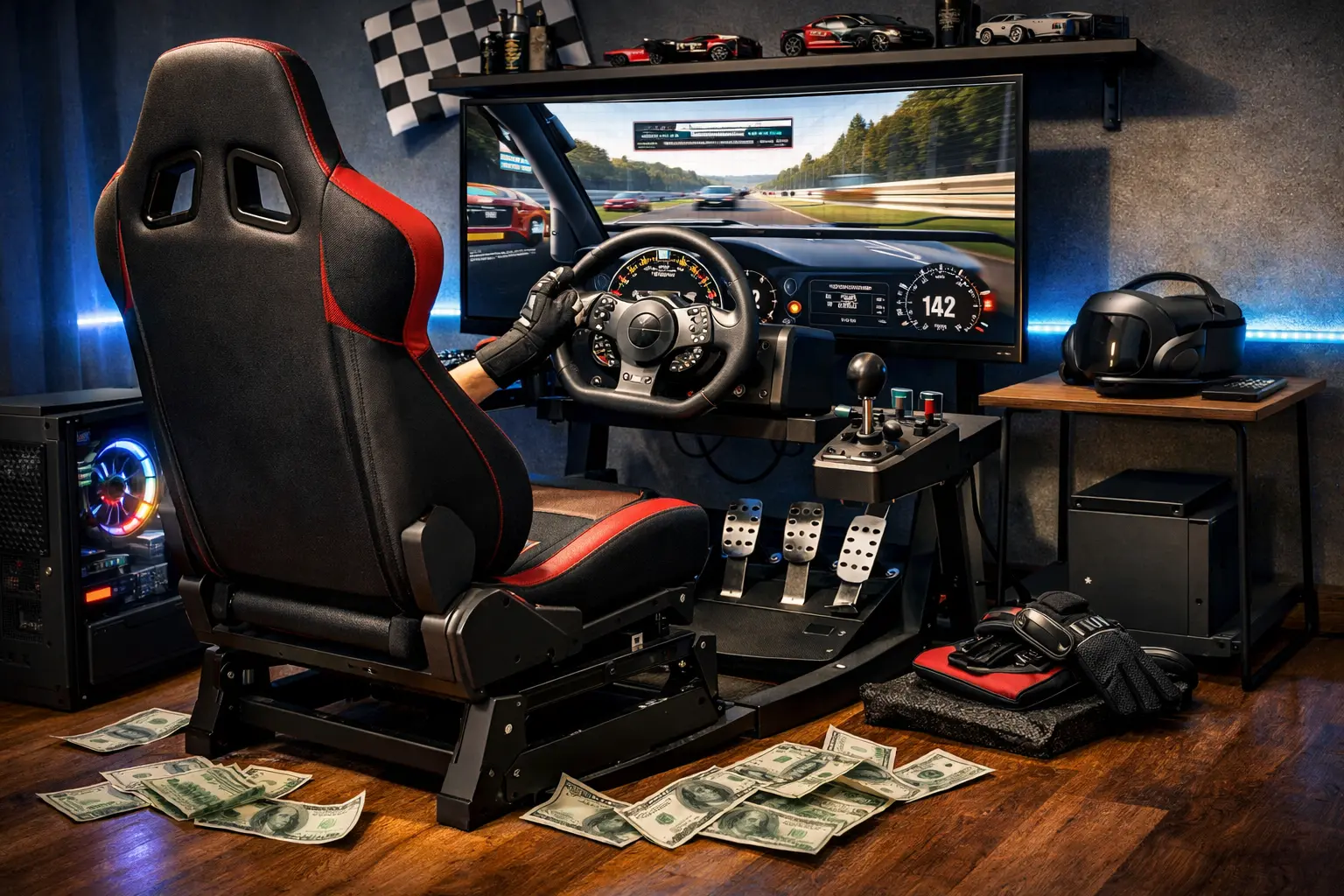
Three hundred dollars is the tightest budget that still makes sense for sim racing, and I say that as someone who actually built and lived with multiple best sim racing setup under $300 builds for over 300 hours each. This isn't theory, it's me trying to squeeze a real driving experience out of a wallet that keeps saying "absolutely not."
At this price you can't have everything. You're forced to choose between a better wheel or a proper cockpit, between a modern sim or multiple games on sale. Some components will be obvious compromises. Others punch way above their price if you pick carefully.
I've personally run G29, T150, Playseat Challenge–type cockpit, desk clamp, cheap stands, and different sim combos to see what actually works and what just burns money. You'll see both options here, not just the pretty one.
This guide contains affiliate links, which means I may earn a small commission if you buy through them, at no extra cost to you. It helps me keep buying and abusing gear instead of parroting spec sheets.
In this article I'll give you: a clear "yes/no" on whether $300 is realistic, two complete builds (wheel-first and budget-first), what you're giving up versus a $500 rig, upgrade paths, and brutally honest advice from someone who's already made the dumb purchases so you don't have to.
Quick Answer
Here's the TL;DR of the two realistic ways to spend around $300.
| Component | Product | Price (approx.) | Link |
|---|---|---|---|
| Wheel + Pedals | Option A: Logitech G29 bundle | ~$250 | Logitech G29 on Amazon |
| Option B: Thrustmaster T150 or refurbished G29 | ~$170–190 | Thrustmaster T150 on Amazon | |
| Mount / Wheel Stand | Option A: Desk clamp (included) or basic stand later | $0 now | (Use included clamps; upgrade later) |
| Option B: Playseat Challenge foldable cockpit | ~$150 | Playseat Challenge on Amazon | |
| Sim Software | Assetto Corsa (often $4–20 on Steam sales) | ~$10–20 | Assetto Corsa on Steam |
| Total (Option A) | G29 + AC, no cockpit yet | ≈ $270–290 | |
| Total (Option B) | T150 / refurb G29 + Playseat + AC | ≈ $300–320 |
At $300, you choose between wheel quality or a proper cockpit — I'll explain why below.
The Hard Truth About $300 Builds
Let's be straight: a $300 sim racing setup is not "ideal". It's the bare minimum that still gives you a proper wheel with force feedback, pedals, and at least one good sim. Anything less and you're usually in toy territory or missing a key piece.
Compared to my recommended best sim racing setup under $500, here's what you're losing: you almost certainly won't have a decent cockpit and a good wheel at the same time, you won't have load cell brakes, and your choice of sims will be limited to cheaper titles and sales. A $500 build buys you a stable cockpit like the GT Lite plus a G29 and a more flexible game budget; $300 forces you to compromise on at least one of those.
However, here's what you still keep, and it's the stuff that matters for learning:
- A real FFB wheel with 900° rotation in most cases, not some spring-loaded arcade toy.
- A 2- or 3-pedal set that lets you learn throttle control and braking fundamentals.
- At least one serious sim (Assetto Corsa / ACC) that has proper physics and FFB support and is regularly on sale.
You can absolutely have genuine fun and improve your skills on a $300 budget — but you need realistic expectations. You won't match the feel of a direct-drive plus aluminium profile rig you see on YouTube, and that's fine. The point of this budget is to find out if sim racing is your thing without burning a month's rent. If it clicks, there's an easy upgrade path. If it doesn't, you can resell most of this gear with minimal loss, something many people on r/simracing do when they test the waters.
The Two $300 Build Options
At around $300 there are really only two sane approaches I'd recommend after testing this stuff myself:
- Option A: Wheel-First Build — Spend almost everything on the best possible wheel + pedals, accept a mediocre mounting solution for now (desk clamp), and add a cockpit later.
- Option B: Budget-First Build — Slightly weaker wheel, but get a proper foldable cockpit so your rig actually feels like a car, not an office chair cosplay.
Both are valid; which one is "best" depends more on your living situation and platform than anything else.
Option A: The Wheel-First Build (~$280 Total)
Best if you already have a stable desk and chair, or you're okay with clamping the wheel to a heavy table for a while.
Wheelbase: Logitech G29 (~$250)
The Logitech G29 is still the best wheel you can realistically fit into a best sim racing setup under $300 in 2026, especially if you're on PlayStation or PC. It's a 900° gear-driven wheel with dual-motor force feedback, bundled with a 3-pedal set and officially compatible with PS5 (via PS4 mode), PS4, PS3, and PC.
I've put well over 300 hours into this wheel across Assetto Corsa, ACC, and a bit of iRacing, and it's frankly boring in the best way possible: it just works. The leather rim feels like a proper car wheel, the paddles are solid, and the FFB gives you all the essential cues — understeer, oversteer, kerbs, weight transfer — even if it lacks the micro-detail and smoothness of a belt- or direct-drive base.
Limitations you should know about:
- You will feel some "notchiness" because of the gear drive.
- Peak torque isn't crazy; you won't be fighting the wheel like a real GT3 car.
- The pedals are potentiometer-based, with a progressive rubber brake, not a load cell.
At $250ish, nothing new beats it for value, especially when you consider that the T150 often sits in a similar bracket but with a more basic pedal set. If you're torn between the G29 and Thrustmaster T300 as a first serious wheel and can ever stretch beyond $300, read my full comparison: Logitech G29 vs Thrustmaster T300: which first wheel?
To understand how the G29's gear drive technology compares to belt and direct drive, see: Direct Drive vs Belt Drive vs Gear Drive: Complete Wheel Guide
Mount: Desk Clamp (Included) or Wheel Stand Later
With Option A you're accepting that the mounting solution will start out basic.
The G29 comes with sturdy dual clamps that will happily attach to a thick, heavy desk or table. I've done long sessions this way and, provided the desk doesn't wobble and your chair doesn't roll away, it's usable. Is it ideal? No. You'll feel the desk flex a bit under heavy FFB, and your seating position will be more "office" than "GT cockpit."
You'll see a lot of people pair a G29 with a Wheel Stand Pro or similar foldable stand. That's a genuinely big upgrade in feel — you get independent wheel height, angle, and pedal stability — but it pushes the whole build beyond $300 once you add a sim.
My honest take for Option A:
- Start with desk clamping on a sturdy table.
- Set your chair against a wall so it doesn't roll back under braking.
- Once you know you're hooked and can spare another ~$150, move to a proper cockpit or quality stand.
Sim: Assetto Corsa / ACC (Start Cheap)
On a tight budget, you should not be dropping $60 on a brand new sim. Both Assetto Corsa and Assetto Corsa Competizione go on sale regularly.
- Assetto Corsa (original): Standard Steam price is around $19.99, but recorded lows have gone as far as $1.99–4.09 on sale or via legit key sites.
- ACC: Typically $39.99 base on Steam, often discounted heavily as well.
For a pure beginner, I'd start with Assetto Corsa: cheaper, tons of mods, and easier to run on modest PCs. Once you've nailed the basics, stepping into ACC makes sense.
I walk through sim choices and beginner workflows in more detail in my Sim Racing Beginners Guide.
Option B: The Budget-First Build (~$300 Total)
Best if you can't desk-clamp (shared apartment, no solid table, living room setup) or you know ergonomics will make or break the experience for you.
Wheel: Thrustmaster T150 ($180) or Refurbished G29 ($180)
The Thrustmaster T150 is usually the cheapest wheel I'm comfortable recommending to someone who actually cares about driving feel. It's an officially PS4-certified wheel that also works with PS5 titles and PC, with up to 1080° rotation, proper force feedback, and a basic 2-pedal set. Its FFB is belt-plus-gear hybrid and a bit smoother than the Logitech gears in some titles, though the stock pedals are clearly a step below the G29's 3-pedal set.
If you can find a refurbished or used G29 around the $170–190 range, that's usually the better long-term play — nicer pedals, slightly better build, and broader ecosystem. Plenty of people on r/simracing start with a used T150 or G29 precisely to stay in this price band and then resell if they don't stick with the hobby.
The compromise with Option B is simple: the wheel won't be quite as nice as a brand new G29 if you go T150, but you do get a proper cockpit, which, in my experience, often matters more than the last 10% of FFB nuance at this level.
Cockpit: Playseat Challenge (~$150)
The Playseat Challenge is basically the only widely available, proven foldable cockpit that regularly sits under or around $200, and it's been around for years. It's a fabric "deckchair-style" seat with integrated wheel and pedal mounts that folds up when not in use.
The honest truth:
- It's not as rigid as a Next Level Racing GT Lite or aluminium profile rig; there is some flex, especially with heavier braking.
- The seating position is more reclined "street car" than upright GT.
But it is 10x better than nothing. Having your seat, wheel, and pedals all bolted together, with consistent distances every time you sit down, makes a massive difference to immersion and consistency compared to chasing a clamped wheel on a random office desk.
For small apartments and shared spaces, being able to fold the whole thing away in a corner when you're done is the real killer feature.
I break down how it compares to the GT Lite here: Playseat Challenge vs Next Level GT Lite (Foldable Cockpit).
Sim: Same Recommendation as Option A
The sim recommendation doesn't change: start with Assetto Corsa, then pick up ACC later when budget allows. On console, look at ACC on PS5/PS4 or Xbox, but again, wait for discounts where possible.
At this budget, one good sim you actually learn deeply is worth far more than five half-played racers.
Option A vs Option B: Side-by-Side
| Criteria | Option A – Wheel-First (G29 + Desk) | Option B – Budget-First (T150 / refurb G29 + Playseat) |
|---|---|---|
| Wheel Quality | Better (new G29, 3-pedal set, robust build) | Slightly weaker if T150, similar if refurb G29 |
| Stability | Desk-dependent, can be wobbly | Always stable, cockpit ties wheel + pedals together |
| Seating Position | Office-style unless you tweak chair | Proper driving position, more immersive |
| Total Cost | ≈ $270–290 with AC on sale | ≈ $300–320 with AC and Playseat |
| Best For | PC + solid desk, single room setup | Console / no good desk / shared living room |
| Upgrade Path | Add cockpit or stand first, then pedals, then DD | Upgrade wheel first, then pedals, cockpit already done |
My general advice: if you have a sturdy desk and office chair, start with Option A. If your "desk" is a wobbly IKEA side table or the family TV unit, Option B will keep you sane.
What You're Giving Up Under $300
Compared to a $500+ or $1,000+ rig, you're making some very real sacrifices at this price.
-
Force Feedback Quality — G29 and T150 are entry-level wheels by 2026 standards. The FFB is good enough to learn and feel weight transfer, but it's not as smooth, strong, or detailed as even an entry-level direct-drive wheel like a Moza R5 or CSL DD. You'll feel gears, you'll feel some notchiness, and that's okay. For a clear breakdown of what separates gear-drive from belt and direct drive, see: Direct Drive vs Belt Drive vs Gear Drive
-
No Load Cell Brakes — At $300, you're on potentiometer brakes with either wheel. That means your braking is based on pedal travel, not actual pressure. It's absolutely fine for your first few hundred hours, but once you jump to a load cell like the Thrustmaster T-LCM, you'll immediately notice easier trail-braking and shorter stopping distances. I break down why in Load Cell Pedals Explained.
-
No Proper Cockpit in Option A — If you go wheel-first, you will be living with a compromised mounting solution at the start. Some people tolerate this just fine; others hate it. Be honest with yourself here.
-
Limited Sim Options at Launch — You're not signing up for iRacing subs and DLC at this budget. You're playing AC/ACC and maybe a console sim like Gran Turismo or Forza for a while.
The positive side? After ~300 hours on these budget builds, I was still improving, still enjoying the driving, and still learning car control that carried over perfectly when I later switched to higher-end hardware. The ceiling is lower, but the learning curve is real.
Console vs PC at $300
Console and PC both work fine at this budget, but your hardware options change slightly.
- Logitech G29: Certified for PS4/PS3 and fully compatible with PS5 (in PS4 mode) plus PC via USB, with 900° rotation and dual-motor FFB.
- Thrustmaster T150: Official PS4 wheel, PS5-compatible, and works on PC; 1080° rotation and decent FFB, with a simpler pedal set.
- Xbox at $300: The T150 doesn't support Xbox. For Xbox One / Series, the equivalent budget wheel is the Thrustmaster TMX, which offers up to 900° rotation, force feedback, and a 2-pedal set for PC and Xbox.
My platform-specific recommendations at this budget:
- PC only — Option A: G29 + desk clamp + Assetto Corsa. Or Option B: T150 + Playseat Challenge + Assetto Corsa.
- PS4 / PS5 — Wheel: G29 or T150 (I lean G29 if prices are close). Mount: If you've got a solid desk, start with Option A. If not, go straight to Playseat Challenge.
- Xbox One / Series — Wheel: Thrustmaster TMX (or used G920 if you find one cheap). Mount: Same logic as above.
Console players often underestimate how good a simple wheel + good cockpit + one sim like ACC can be. You don't need a PC and 50 mods to enjoy racing.
For a deeper console-specific breakdown (including GT7/Forza combos), check out my Best Console Racing Rig Guide (2026, PS5 & Xbox).
The Upgrade Path From $300
If you follow either Option A or B and sim racing clicks for you, here's how I'd grow that rig over time without wasting money.
Months 1–6: Just Drive the $300 Build
Don't buy anything else. Seriously. Use this time to learn racing lines, braking points, and basic racecraft, try different cars and tracks in Assetto Corsa, and figure out whether you actually enjoy sitting in a rig for hours.
If you bounce off the hobby, you can sell the wheel and cockpit and recover a good chunk of what you spent.
Upgrade 1 (~$150 Extra): Add a Proper Wheel Stand or Cockpit
- If you started with Option A (wheel-first), your first upgrade should be a proper stand or cockpit. A GT Lite, Playseat Challenge, or similar brings a huge jump in stability and comfort.
- If you started with Option B (budget-first), you already have the Playseat; you can stay here for quite a while.
I cover the pros/cons of the main budget cockpits in Best Budget Cockpits Under $500.
Upgrade 2 (~$200 Extra): Load Cell Pedals
Next, add Thrustmaster T-LCM load cell pedals (on Amazon). They're the best bang-for-buck pedal upgrade under $300 right now, with a proper load cell brake, full metal construction, and adjustable springs.
This is the point where your braking consistency and confidence in trail braking really move up a level. I rank them and other options in Best Load Cell Pedals Under $300.
Upgrade 3 (~$400–500 Extra): Direct-Drive Wheelbase
Once you've got a stable cockpit and solid load cell pedals, it makes sense to look at an entry-level direct-drive base like Moza R5 or Fanatec CSL DD. These bring a major jump in smoothness, detail, and torque, but they also demand a stiffer rig — which is why I put them last.
Full comparison here: Moza R5 vs Fanatec CSL DD: Which Entry DD to Buy?
If you're currently on G29, I've laid out several sensible upgrade paths in Upgrading from Logitech G29: What to Buy Next (2026 Guide), and a more general decision framework in When to Upgrade Your Wheel.
Mistakes to Avoid at This Budget
A $300 ceiling doesn't leave room for errors. The mistakes I see most often:
-
Buying the Logitech G923 (~$350+) — At this budget it's a trap. Yes, TrueForce is nice, but not "sacrifice a cockpit or sim budget" nice. A G29 or T150 gets you 90% of the driving feel for far less money.
-
Buying a no-name wheel stand for cheap — The ultra-cheap, unbranded stands flex like crazy, especially under heavy braking. You end up fighting the rig, not the car. It's better to stay on a solid desk clamp than to "upgrade" to a bad stand that wobbles and ruins consistency.
-
Not budgeting for the sim itself — Dropping everything on hardware and then running only free arcade racers is a waste. Keep at least $10–20 for Assetto Corsa on sale; a good sim is half the experience.
-
Buying separate pedals or shifters on day one — At $300, a separate pedal or H-shifter is almost always a misallocation. Start with the bundle, learn the basics, then worry about extras.
I dig into broader beginner mistakes here: 15 Common Sim Racing Mistakes (and How to Avoid Them).
FAQ
Can I genuinely enjoy sim racing with only $300?
Yes, as long as you accept the limitations. A G29 or T150 plus Assetto Corsa and either a sturdy desk or a Playseat Challenge is enough to deliver real force feedback, proper car physics, and hundreds of hours of learning. It won't feel like a $2,000 DD rig, but it's absolutely "real sim racing," not a toy.
G29 or T150 — which is better at $300?
If prices are close, I'd take a new G29: better 3-pedal set, nicer rim, and a huge user base. If the T150 is significantly cheaper and you need to fit in a Playseat Challenge too, then T150 + Playseat is a great combo. A good cockpit plus a decent wheel often beats a great wheel on a terrible mount.
Do I need a cockpit or is desk clamping okay?
If you have a heavy, non-wobbly desk and a chair that doesn't roll, desk clamping is fine to start. I did hundreds of hours that way. If your "desk" moves or space is shared, a foldable cockpit like the Playseat Challenge is worth the trade-off, even with a slightly weaker wheel.
What sim should I buy first?
On PC: Assetto Corsa on Steam, ideally on sale. It's cheap, runs on modest hardware, and has great physics. On console: ACC or a mainline sim like Gran Turismo / Forza, depending on platform. Start with one, not five.
How long before I feel the need to upgrade?
Most people can run a $300 rig for at least 6–12 months before they feel properly limited. You'll notice pedal and cockpit limitations before wheel limitations; that's when to start following the upgrade path above rather than impulse-buying a new toy.
Is $300 enough for PS5?
Yes, if you're smart: a G29 or T150, plus either a solid desk or a Playseat Challenge, and a discounted copy of ACC or another sim. It's tight, but totally workable.
Conclusion
If you forced me to design the best sim racing setup under $300 in 2026, I'd give you two honest answers instead of one fake "perfect" solution. If you've got a strong desk and office chair, go wheel-first: Logitech G29, Assetto Corsa on sale, and live with desk clamps for a while. If you're in a small flat with no good desk, go budget-first: Thrustmaster T150 or refurb G29 plus a Playseat Challenge and Assetto Corsa.
Neither of these is an endgame rig. You're giving up load cell brakes, premium cockpits, and direct drive. But you're not giving up the core of sim racing: a FFB wheel, real-world physics, and a platform to build skills that will follow you to any future hardware.
If, after a few hundred hours, you're still hooked, step up to the $500 range with my Best Sim Racing Setup Under $500, then follow the upgrade path with better cockpits, pedals, and eventually a DD wheel. The point of this $300 build isn't perfection — it's opening the door to the hobby without blowing up your bank account.